Major update: Briefings, pages, and two-way MCP
When we started In Parallel we described something larger than a meeting assistant. Today the rest of it is here.
TL;DR
- Briefings tell you what matters now: short, pre-generated updates with sources, ageing, workspace roll-ups, and meeting prep.
- MCP is now two-way. AI assistants can securely read, edit, and maintain pages — not merely consume context.
- Workspaces, pages, and chat form a shared picture of the work: structured, correctable, and clearly attributed to people or agents.
- Capture extends beyond meetings. Slack activity and shared-room conversations can feed the picture, with visible receipts, strong isolation, and EU-only data residency.
When we started In Parallel we described something larger than a meeting assistant: a shared, current picture of the work that a team — and its AI tools — could rely on.
For a while, meeting notes were the part you could hold in your hands. It was a real starting point, and it is still the input that makes the rest work. But it was one part of what we set out to build.
Today the rest of it is here.
What you told us
The feedback was consistent and sometimes not flattering.
More AI-generated content is not automatically more useful. A long list of observations becomes a second inbox. Meeting notes matter when somebody else can use them to continue the work. And any system that asks a team to maintain a second version of reality goes stale the week people get busy.
One customer put it plainly: which of this should I actually read?
That question shaped everything below.
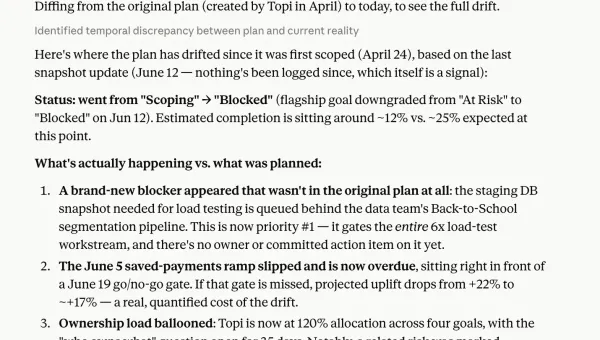
Briefings — where things stand, and nothing else
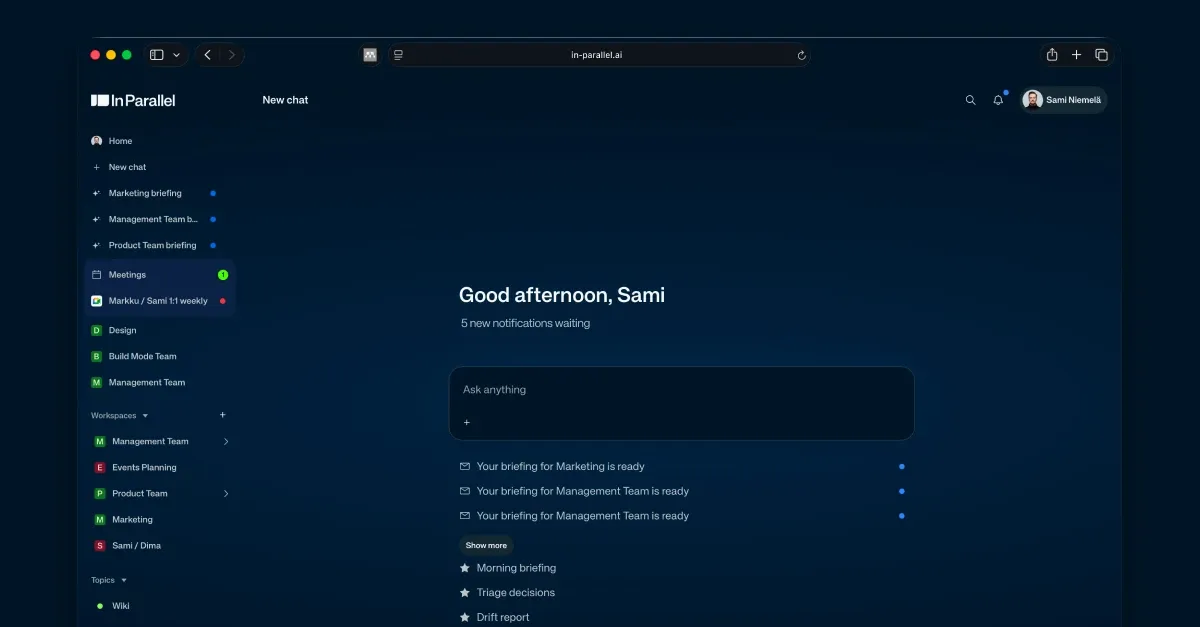
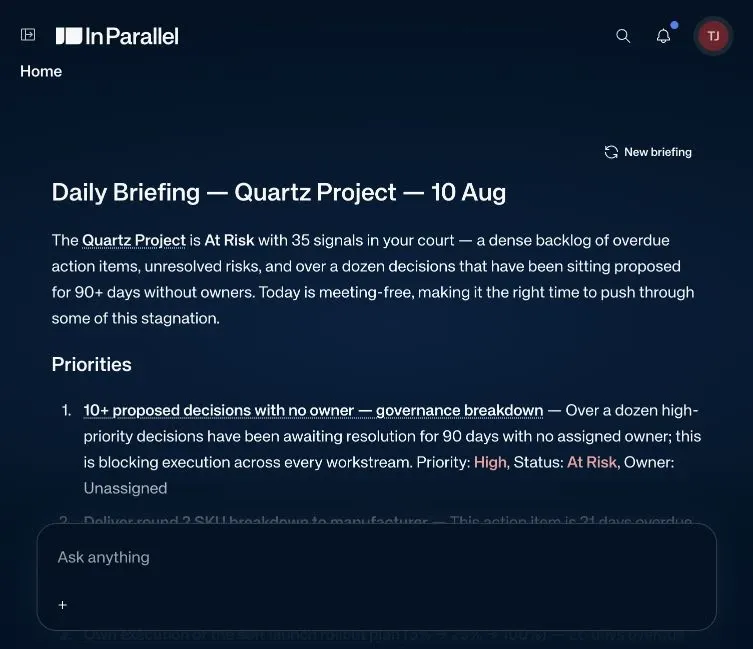
The briefing is the first thing you see and, most days, the only thing you need.
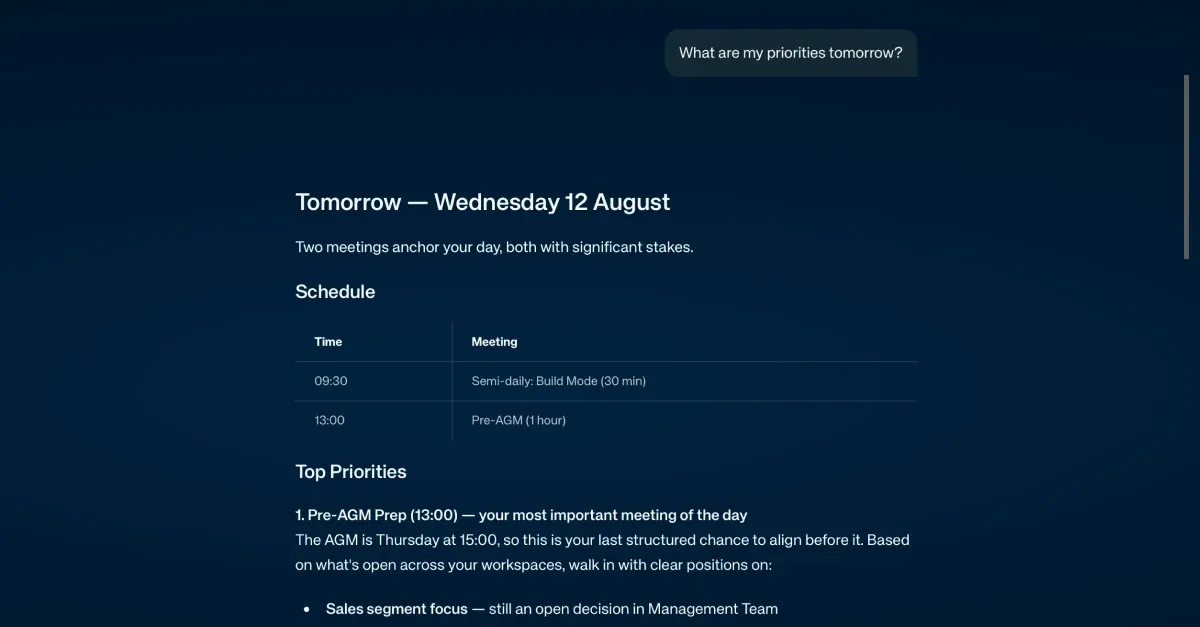
It is ready when the page loads rather than generating while you wait. It is written in bullets, not prose. Items decay as they age and name the touchpoint they came from, so the list stays short instead of accumulating. A briefing on a parent workspace now rolls up what changed in its children. And if you are not in a workspace at all, you still get one, built from your topics and your own open items.
Meeting prep comes with it. Talking points are on by default now, one sentence each, carried forward from the previous meeting in the series.
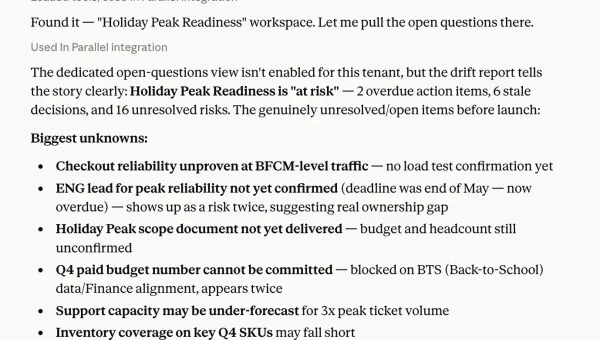
MCP — now it writes
We launched the In Parallel MCP in July. It reached #6 on Product Hunt’s Product Watch, and it has been the single strongest repeatable pull in our sales conversations since.
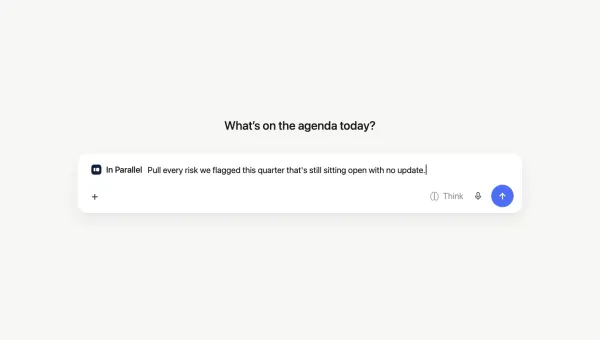
Until this month it was a read connection: your assistant could see the current picture. Now it can maintain it. An agent connected over MCP can edit pages directly — exact-substring edits, atomic, guarded so two writers cannot silently overwrite each other — and read pages in parts rather than pulling an entire document to change one section.
That is the difference between an agent that consumes your context and an agent that participates in it.
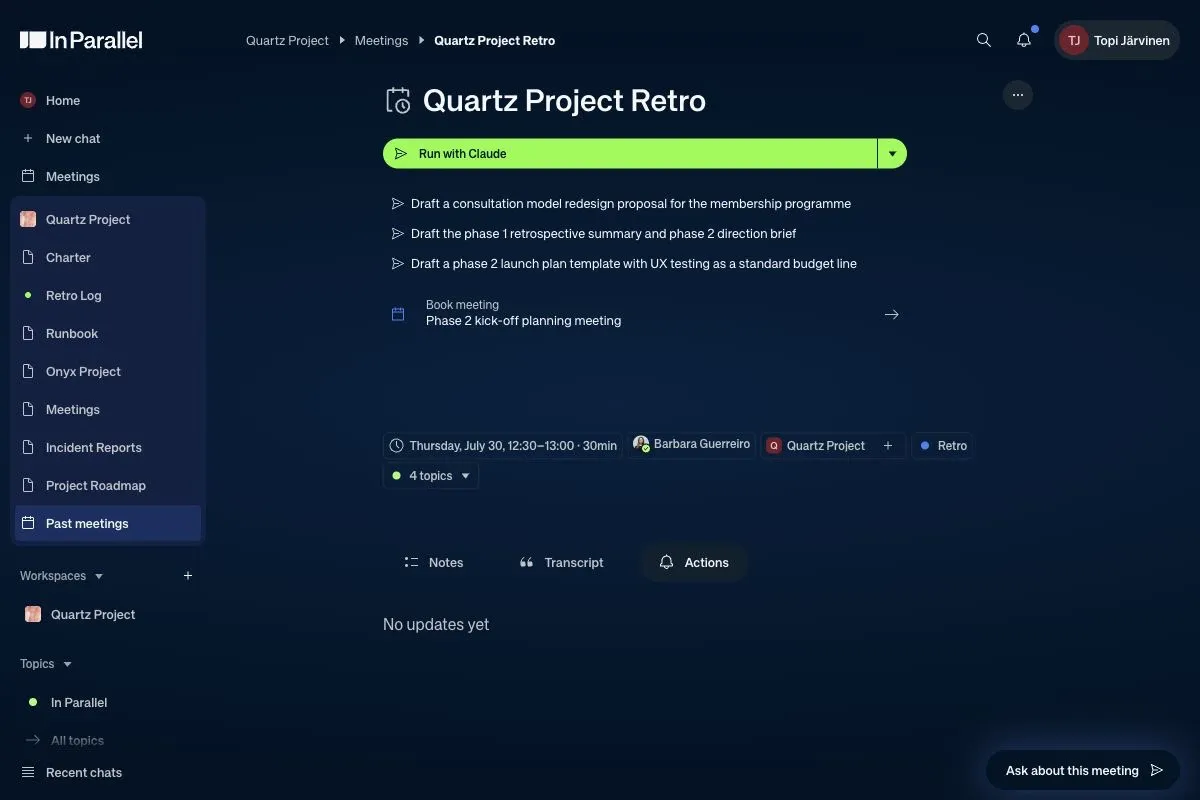
Alongside it: hand any meeting, page, briefing, or topic straight to Claude, ChatGPT, or Copilot, with a task attached rather than just a protocol to follow. And a guard that refuses identifiers from a different In Parallel environment, so nobody’s work quietly lands in the wrong tenant.
Workspaces and pages — the picture that keeps itself
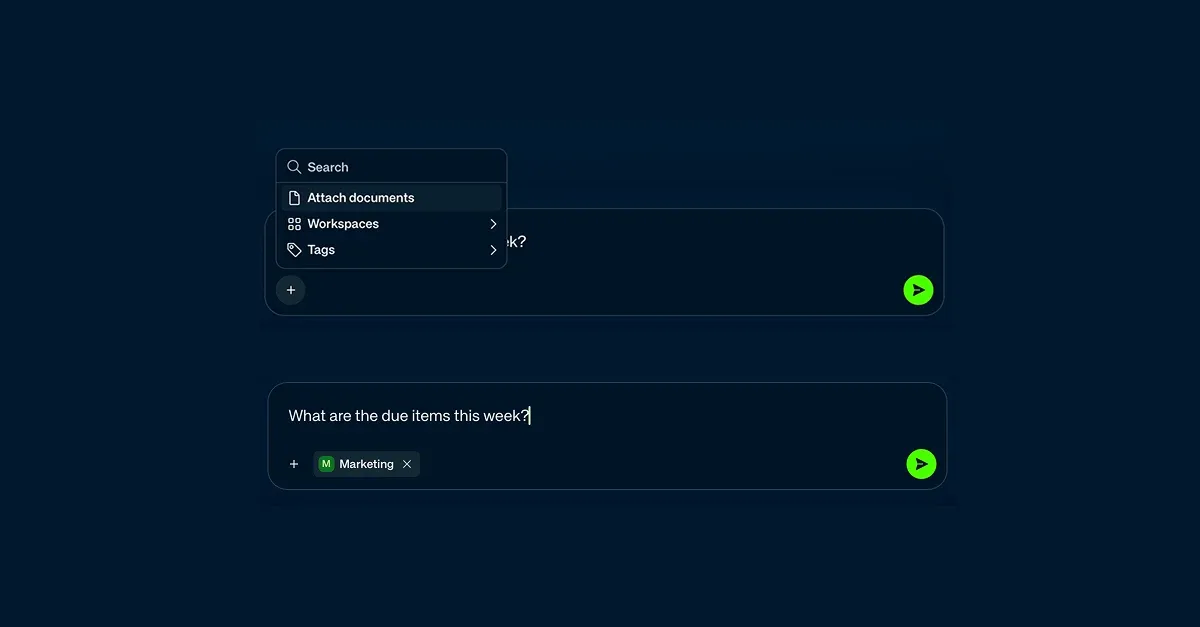
A workspace is the boundary. For a consultancy running a dozen clients at once, that boundary is the whole product: each client’s context stays isolated from every other, and when the engagement ends the data goes. It is also the unit you aim a question at: scope a chat to one workspace and the answer comes from that client and no other.
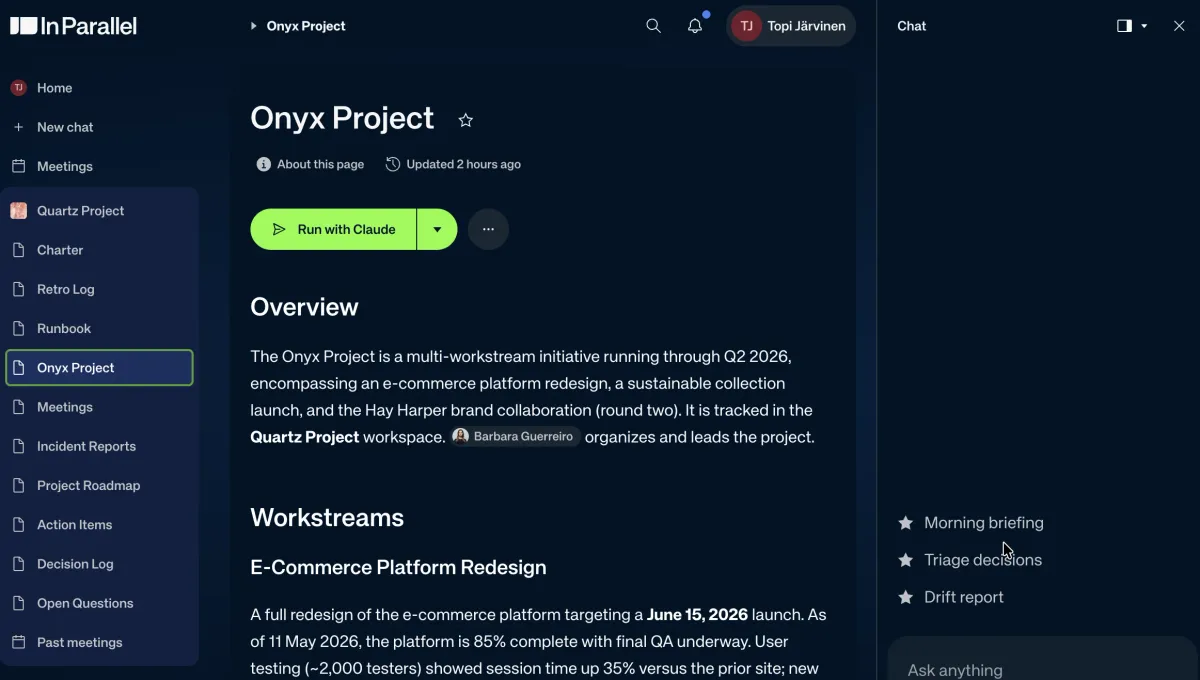
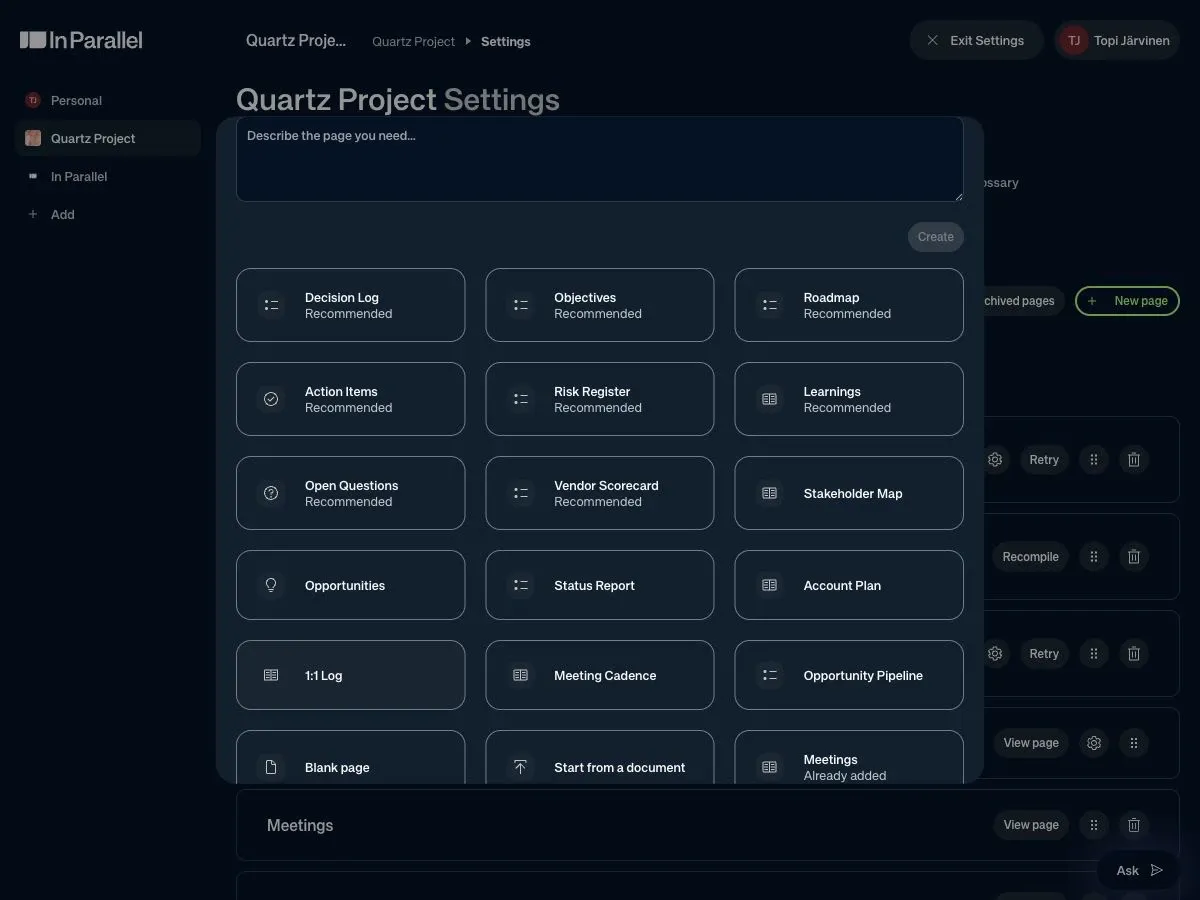
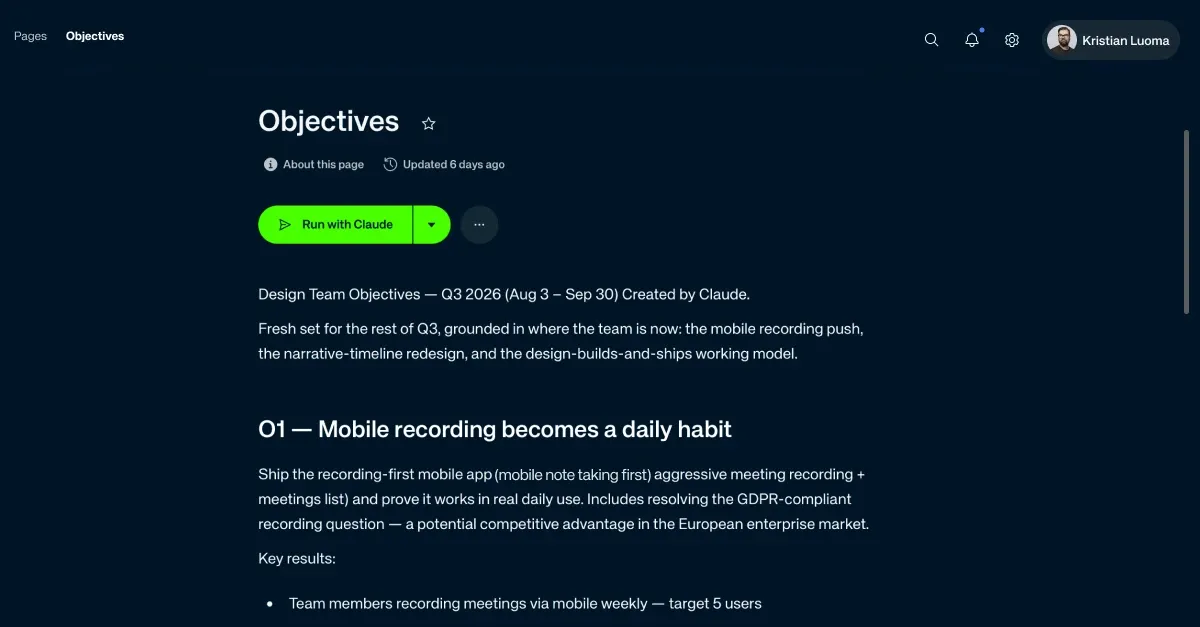
Inside it, pages are where the picture accumulates. Page types are installable — pick the ones a workspace actually needs. Findings are pages now, rendered as live checklists you work through rather than lists you scroll: tick boxes for action items, open questions, and risks; ordered reference for decisions, learnings, and opportunities. Upload a strategy document or an implementation plan and the pages update against it.
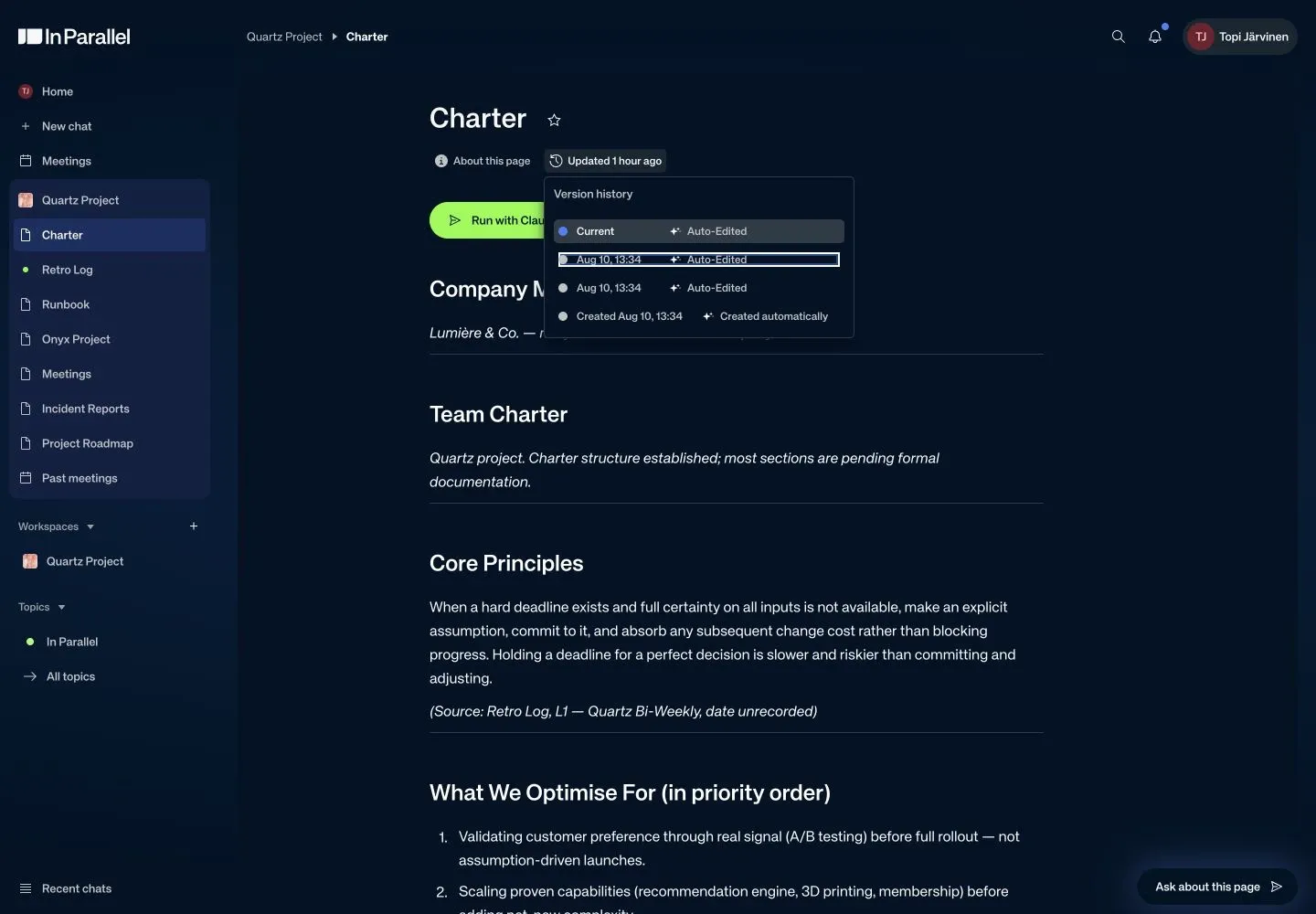
You can also see who is on a page, editing or viewing, and when the agent last touched it. Agent-written pages say so. They no longer claim your team wrote them. Every update is versioned automatically, whether a person or an agent authored it.
Chat — how you ask, and how you correct
Correction is the load-bearing verb in all of this. A shared picture that cannot be cheaply told it is wrong will be wrong within a fortnight.
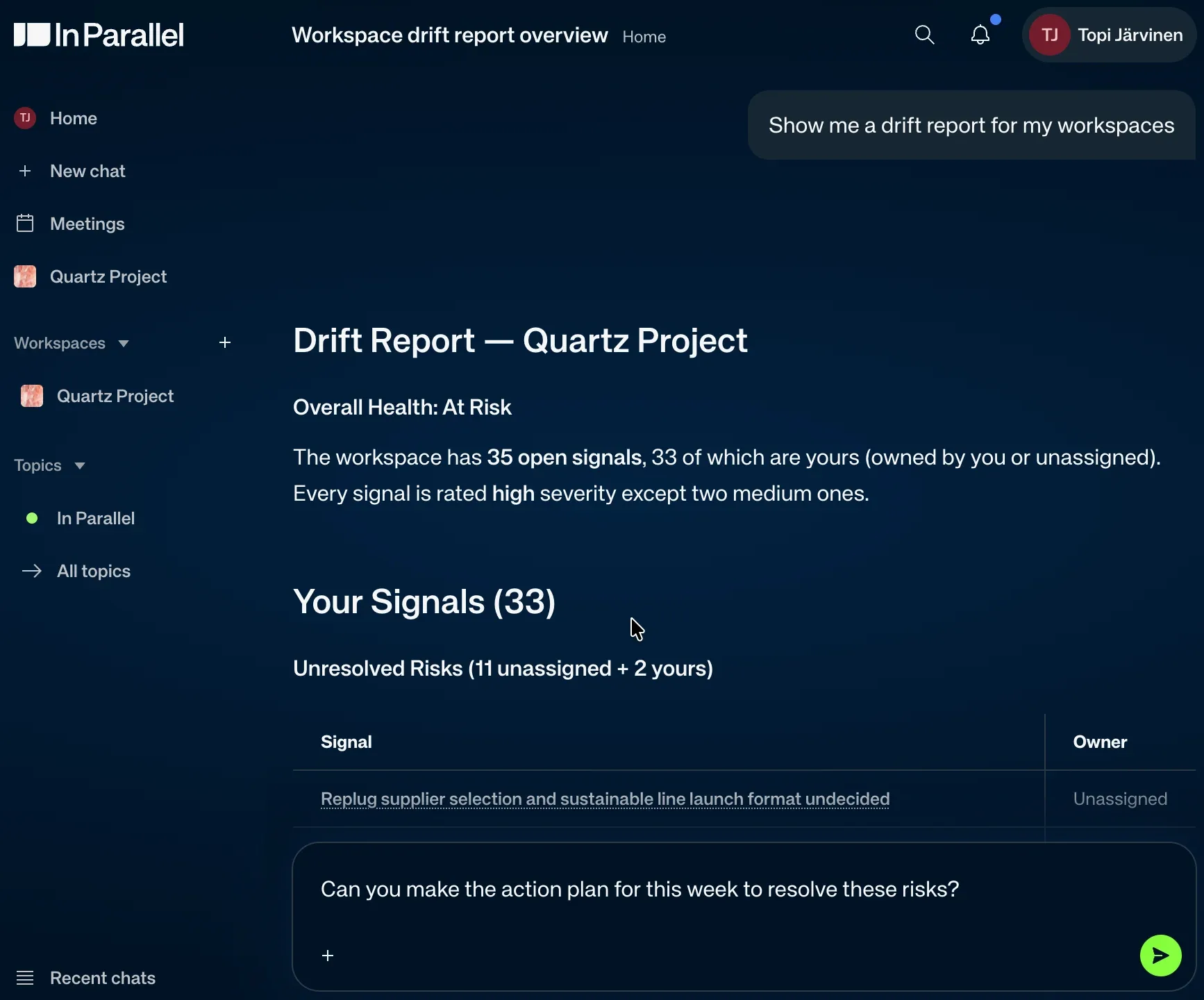
Chat is where you ask what changed, what is at risk, what was decided.
It is also where you add the thing that happened outside a recorded meeting. A decision made in a corridor goes in as one sentence, and you get a receipt showing exactly what was captured.
Capture no longer stops at the meeting
This is the change we are most pleased with.
In Parallel can now read the Slack channels you subscribe to and turn what happens there into findings, alongside what it takes from meetings. When something is captured, it posts a receipt back into the thread saying what it took — so the channel stays honest about it. Replies in a thread are picked up without re-mentioning the bot.
The recorder also joins early when a call starts ahead of its calendar slot, and speaker separation now works properly in shared-microphone rooms.
What we are not claiming
We are not claiming this replaces your systems of record. Slack, Teams, Claude, Copilot, your ERP, and your planner stay where they are. We integrate rather than replace, and the MCP is the clearest expression of that.
And we are not claiming everything is on for everyone. Several of the capabilities above are enabled per organisation. Your account lead knows which are live in yours; ask, and we will turn on the one that matters to you first.
Where the work is safe
Workspace isolation and per-client separation by default. PII and GDPR handled without configuration. EU-only data residency — the data does not leave the EU. ISO/IEC 42001 for AI management, recertified in July; we were among the first companies worldwide to hold it. ISO/IEC 27001 renewed in July. Independent penetration testing every quarter.
We built the writing path the same way. Every edit is attributed, reversible, scoped to what the agent is permitted to see, and visible to the person who owns the outcome. That is what makes giving an agent write access a reasonable thing to do rather than a brave one.
What comes next
A mobile recorder, for the meetings that happen in rooms and corridors rather than calendars. And a study: we want to measure whether pre-compiled context genuinely outperforms live retrieval, and publish what we find, including the parts that go against us.
Start here
Do not go looking for the new features. Pick one active workspace — the one where coordination costs you most — and answer three questions:
- What changed since the last review?
- What deserves attention now?
- Can someone else continue from this?
If the answers are already in front of you, this worked.
— Markku & Kristian · In Parallel · Helsinki · August 2026
Get insights like this in your inbox
One email per week on execution intelligence, team coordination, and enterprise AI. No fluff.
By subscribing you agree to our Privacy Policy. Unsubscribe anytime.