Find anything fast with global search
Updated 2 July 2026
Jump straight to any meeting, Workspace, person, or goal without hunting through the sidebar.
Find anything with global search
1. Open the search palette
Press ⌘K (or Ctrl+K on Windows) from anywhere in In Parallel. The global search palette opens in the center of the screen, ready for your query.
2. Type a few characters
Start typing what you’re looking for. Results appear instantly, grouped by type — meetings, Workspaces, people, and goals — so you can scan the right section at a glance.
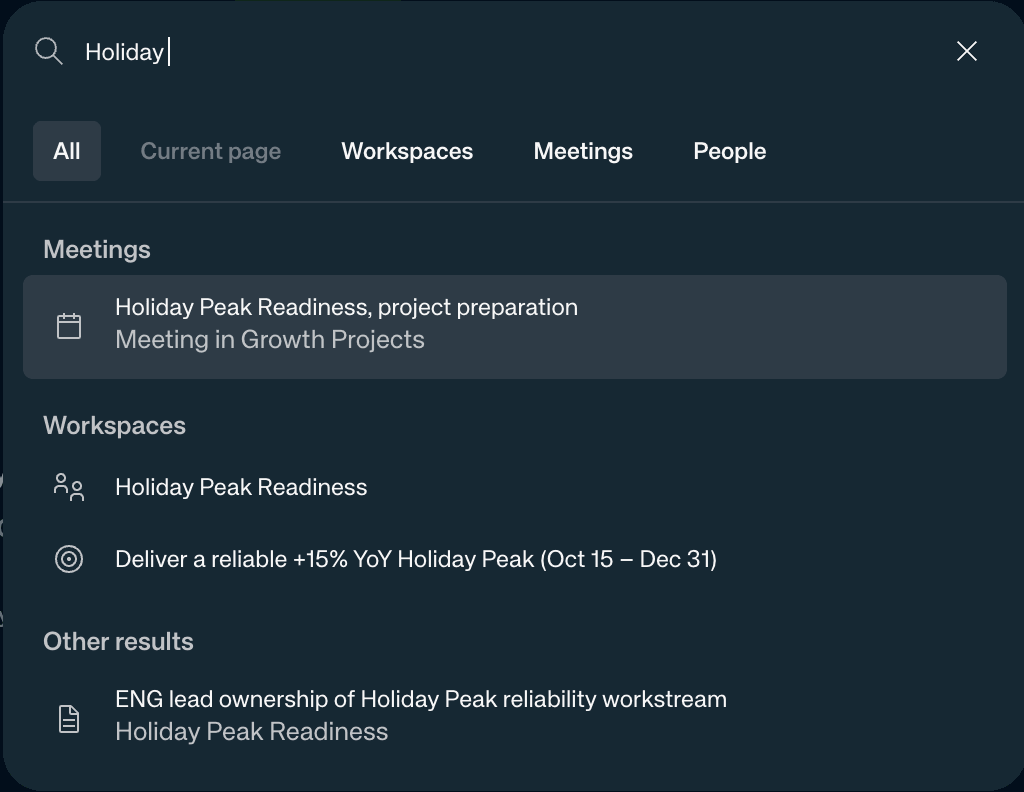
Note: Results are grouped by type. Use the scope tabs along the top — All, Workspaces, Meetings — to narrow the search to just what you need.
3. Open a result
Select the result you want — click it or use the arrow keys and press Enter. In Parallel takes you straight there.
What’s next
- Workspaces — create and manage the areas of work In Parallel tracks